Enhance Speech
Removes background noise and echo from voice recordings, with one click.
 Skip to content

Next generation audio from Adobe is here. Its Enhance Speech tool removes background noise and echo from voice recordings in one click.
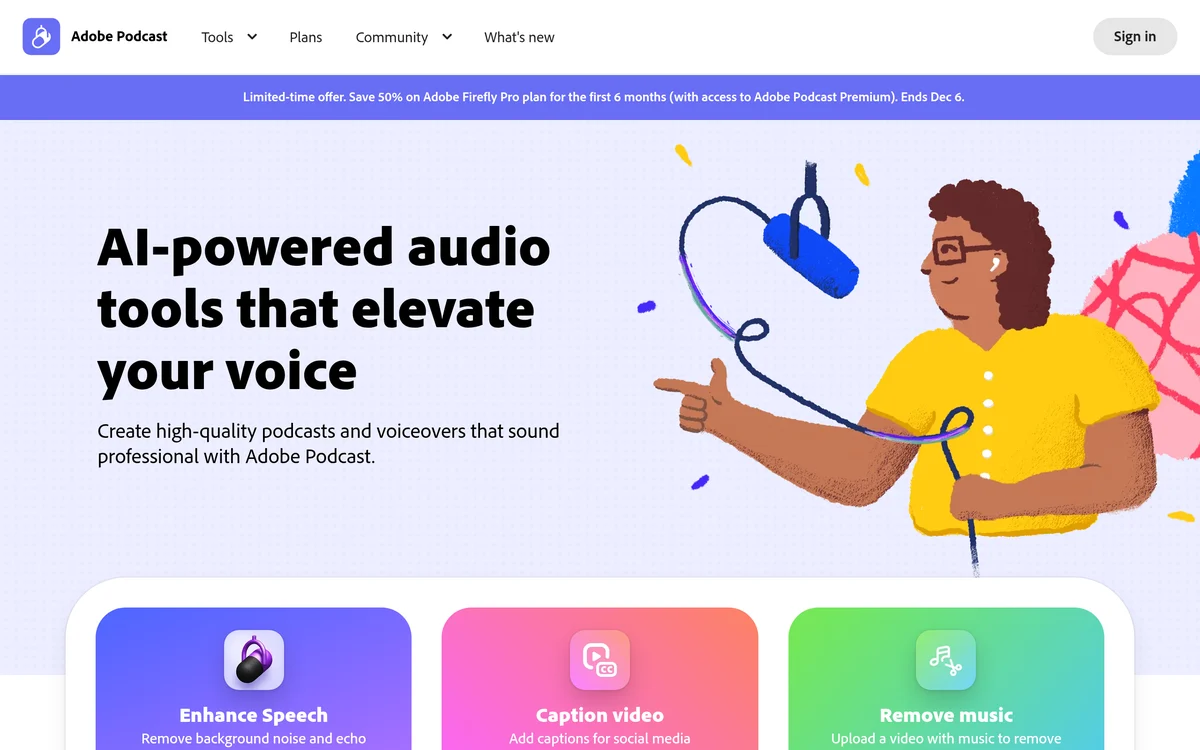
Adobe Podcast is a browser-based set of audio tools for cleaning up speech and making podcasts. The most-used piece is Enhance Speech, which takes a voice recording and removes background noise and echo so it sounds closer to a studio recording. Alongside it sit a recording studio, an audio and video editor, a transcriber, a captioner and a music remover.
Nothing needs downloading, since it all runs in the browser. The paid tier is not a standalone Podcast subscription: on the plans page, the premium features come through Adobe's Firefly Pro plan.
Removes background noise and echo from voice recordings, with one click.
Record solo or with remote guests, then edit audio and video. The plan comparison lists transcription-based editing.
Add captions to video for social media.
Upload a video with music and strip the music out.
Transcribe audio and video and download the text or a PDF.
Free plan has podcast-branded audiograms. Firefly Pro lets you customize audiograms and captions with themes and custom backgrounds.
| Plan | Price | Notes |
|---|---|---|
| Free plan | $0 | Limited complimentary generations a day. Enhance Speech for audio only, one file at a time, 30 minutes and 500 MB per file, 1 hour a day. Studio downloads of up to 30 minutes, 2 projects a day. |
| Firefly Pro (includes Adobe Podcast Premium) | $9.99/month | Up to 4,000 generative credits a month, video support, bulk upload, adjustable enhancement strength, 4 hours of enhanced speech a day with files up to 2 hours and 1 GB, unlimited Studio downloads and original speaker-separated recordings. Adobe also had a 50% off first-6-months offer ending Dec 6. |
Pricing checked on 28 November 2026. Source

There's a free plan with daily limits. Enhance Speech works on audio files up to 30 minutes.
The plans page lists the Firefly Pro plan at $9.99 a month, with access to Adobe Podcast Premium.
Video support is listed as a Firefly Pro feature.
Yes. Studio supports remote guest recording on both plans.
Yes. Enhance Speech removes background noise and echo.