Text-based editing
Edit video by editing a doc.
 Skip to content

Descript is the AI video and audio editor that makes editing as easy as editing text.
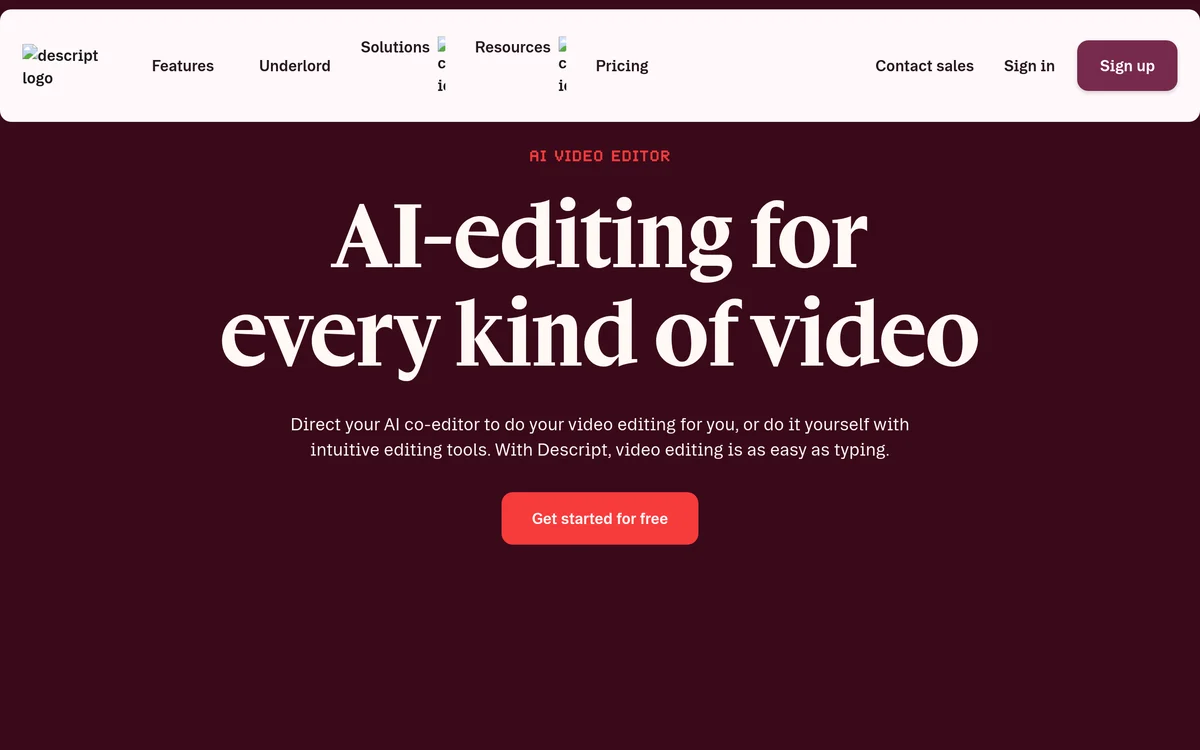
Descript is a video and podcast editor where you edit by editing text. It transcribes your recording, and cutting a sentence from the transcript cuts it from the video. That makes tasks like removing filler words or retakes a matter of a click rather than scrubbing a timeline, though the timeline is still there if you want it.
It also has an AI co-editor called Underlord, tools for cleaning audio and fixing eye contact, captions and thumbnail generation, translation and dubbing, and AI speech with custom voice clones.
Edit video by editing a doc.
An AI co-editor that does edits on your direction.
Studio Sound removes background noise, and one-click fixes handle filler words, retakes, eye contact and lighting.
Add captions, create clips and generate YouTube thumbnails and descriptions.
Business lists translating and dubbing video in 30+ languages with proofreading.
AI Speech with custom voice clones, and Business can generate custom avatars from photo upload or text.
| Plan | Price | Notes |
|---|---|---|
| Free | $0 | 60 minutes of media a month, text-based editing and AI tools to try. |
| Hobbyist | $24/month per person | $16/month per person on annual billing. 10 media hours a month, 400 AI credits, 1080p watermark-free export, Underlord access. |
| Creator | $35/month per person | $24/month per person on annual billing. 30 media hours, 800 AI credits, 4K export, full Underlord and 20+ AI tools, unlimited royalty-free stock library, can scale to a team of 3. |
| Business | $65/month per person | $50/month per person on annual billing. 40 media hours, 1,500 AI credits, Brand Studio, translate and dub in 30+ languages, priority support with SLA, can scale to a team of 5. |
| Enterprise | Custom | Custom media hours and credits, SOC 2 Type II, SSO, SCIM and audit logs. |
Pricing checked on 28 November 2026. Source
Yes, with 60 minutes of media a month.
$24 per person a month on annual billing, or $35 monthly.
You edit the transcript like a doc and the video follows.
Business lists translate and dub in 30+ languages.
Yes, with SOC 2 Type II, SSO and SCIM.