Learns how you work
Your dot starts with context from your ChatGPT memory, learns how you work, and spots what needs attention.
 Skip to content

ChatGPT's always-on agents, called dots, that keep working on ongoing tasks between chats.
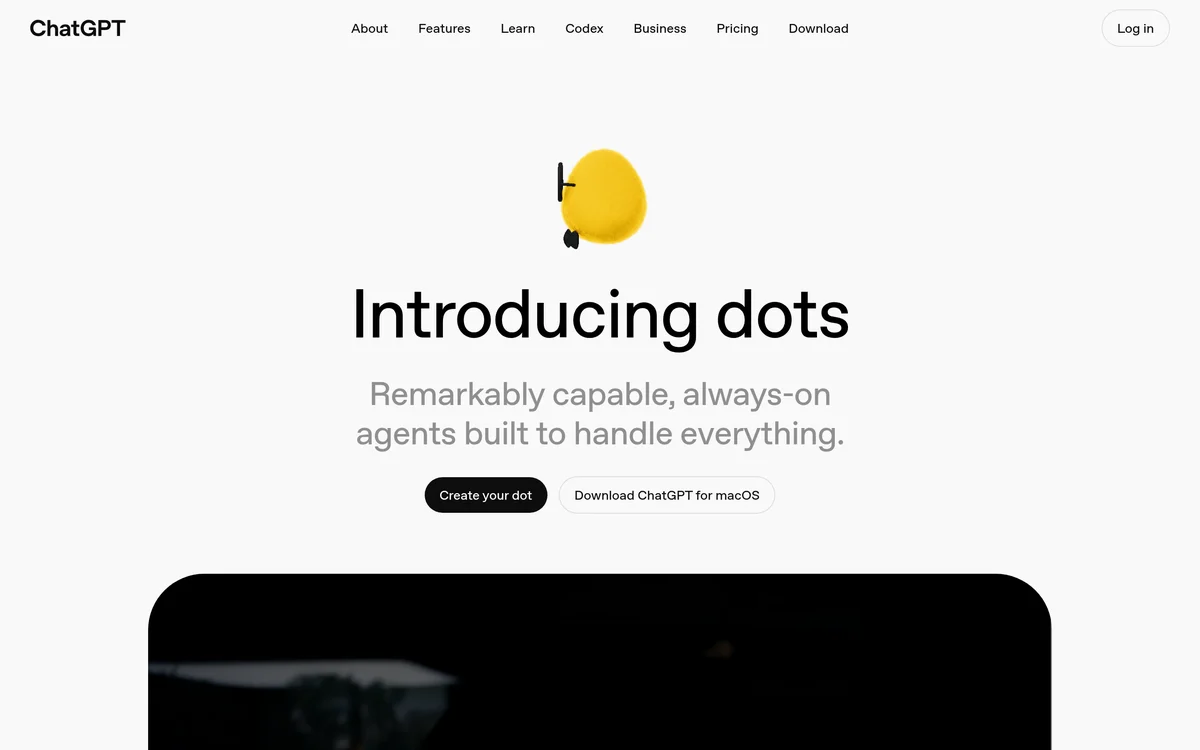
Your dot starts with context from your ChatGPT memory, learns how you work, and spots what needs attention.
It uses Codex and your connected tools to take on tasks, and you choose which apps it can access and what it should focus on.
Your dot uses its own computer to move projects forward and works on its own cloud computer; you decide whether to connect your computer.
You can hand it a project, and it figures out next steps, keeps making progress between conversations, and brings work and decisions for review.
You can see what your dot is working on, review the details, give feedback, change direction, or pause anytime.
You manage permissions and set Custom Rules to allow specific actions, require approval, or block them, including when it may act on its own.
Actions that could affect your accounts or share information go through Auto-review against your instructions, Custom Rules, and safety requirements; password changes stay with you.
Dots run on OpenAI's family of frontier models with privacy and safety protections on by default, plus safeguards against malicious instructions and potentially harmful behavior.
You can message or call your dot in ChatGPT on web, mobile, and desktop, and it gets in touch when something needs your attention.
Described work includes refreshing decks, preparing code and tests, tracking remaining API calls, and drafting show notes and social posts for your approval.
| Plan | Price | Notes |
|---|---|---|
| Free | Free | Includes: Unlimited text chats with GPT-6; Limited messages with uploads; Limited image creation; Limited Codex access. |
| Go | $8/month per user | Includes: Everything in Free; More messages with tools; More image creation; Longer memory. |
| Plus | $20/month per user | Includes: Advanced reasoning models with GPT-6.2; Expanded messages and uploads; Projects, scheduled tasks, and custom GPTs; Expanded Codex usage. |
| Pro | From$100/month | Includes: Your choice of 3 usage tiers; Pro reasoning powered by GPT-6 Astra; Dot, your always-on agent; Up to $500 in monthly API credits. |
Pricing checked on 28 November 2026. Source