Replace text in images
Upload a photo, screenshot, poster, or product shot and change the words already in it while the rest of the picture stays in place.
 Skip to content

Pictext is an image text editor that changes the words already in your picture.
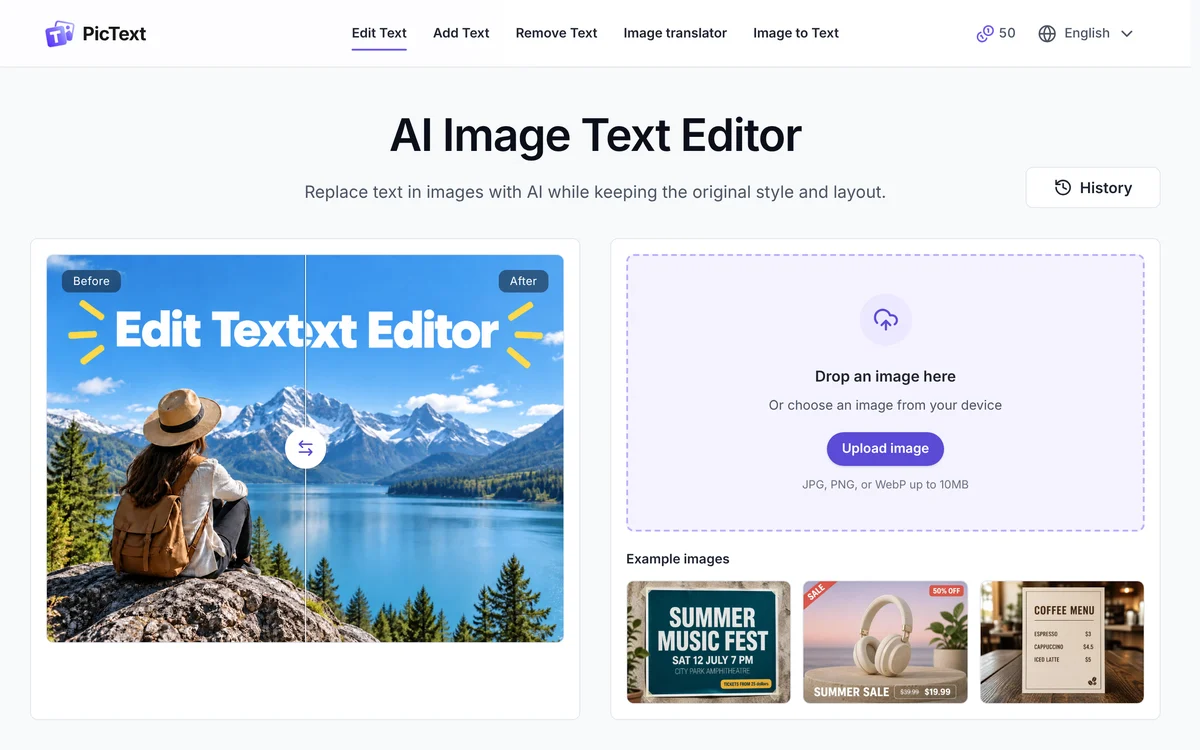
Upload a photo, screenshot, poster, or product shot and change the words already in it while the rest of the picture stays in place.
PicText can clear words from an image when you need to remove text instead of replacing it.
PicText finds readable text, you click the words and type new wording, and the AI rebuilds that area without manual retouching.
Replacement text follows the look and placement of the original and blends with the surrounding background.
Drag in a JPG, PNG, or WebP file up to 10MB, or paste a screenshot from the clipboard, with the workflow running in the browser.
You can add a price, selling point, or call to action to a clean product image before publishing a campaign version.
Edit menu names, version numbers, button labels, and single details such as a date, amount, or name on invoices, receipts, and scanned forms.
For revisions across several paragraphs, converting the document image to Word lets you continue working on the text in a document editor.
When text inside an image needs translating, PicText includes a dedicated menu translator and manga translator.
PicText ships in eight interface languages so you can work in the one you are most comfortable with.
Nothing needs to be installed; you can open PicText on a laptop, tablet, or phone and edit text in image files.
PicText processes the image you upload only to complete the edit you asked for, and the file is not used for any other purpose.