Text to speech
Read aloud PDFs, docs and web pages. Premium lists 400+ natural voices in 60+ languages.
 Skip to content

Speechify reads anything aloud to you. It reads PDFs, docs and web pages aloud, with listening speeds up to 5x on Premium.
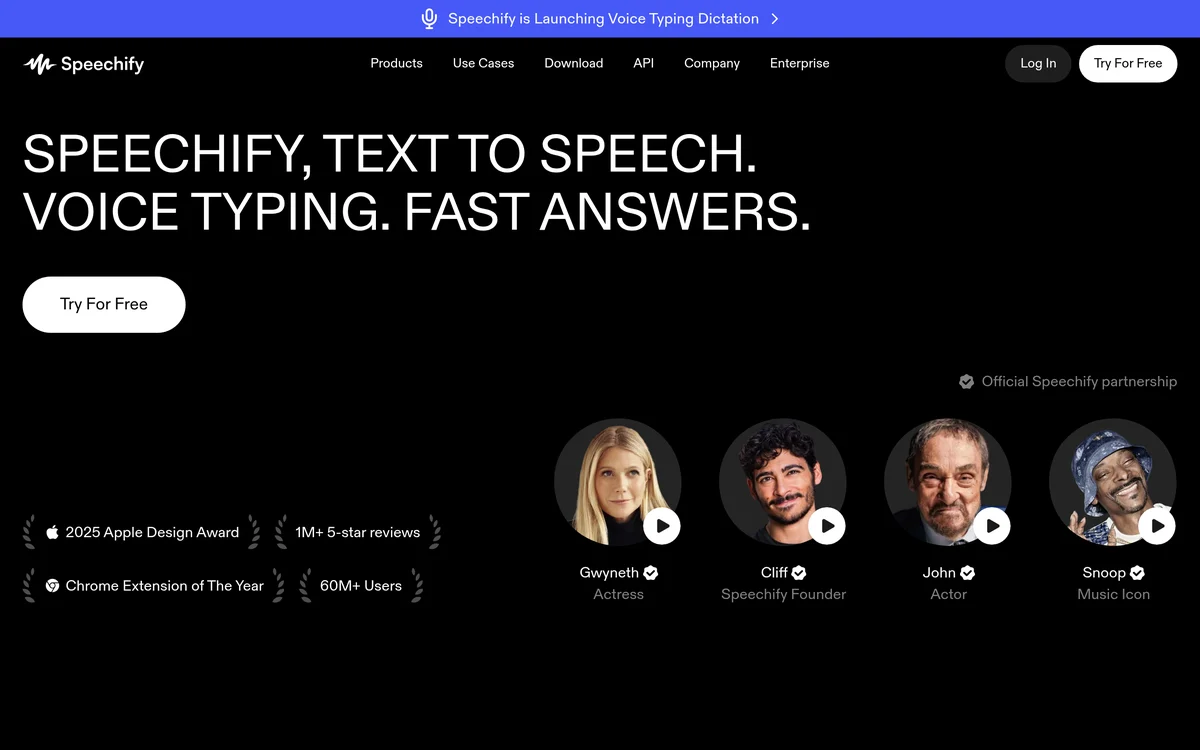
Speechify reads text out loud. Paste in an article, open a PDF or scan a book page, and it turns it into speech with natural-sounding voices, so you can listen on a commute or at your desk. It runs as apps for iPhone, iPad, Android, Mac and Windows, plus a web app and Chrome and Edge extensions.
It has widened into voice AI more generally: voice typing that turns speech into text, AI podcasts built from your content, a voice assistant you can ask about a website or book, and a dubbing and voiceover studio. Developers can use an API.
Read aloud PDFs, docs and web pages. Premium lists 400+ natural voices in 60+ languages.
Free goes up to 1.5x; Premium up to 5x.
Photograph printed text and have it read to you.
Dictation that Speechify says is up to 5x faster than typing.
Turn content into AI-generated shows and get AI summaries and chats.
A separate Speechify Studio handles voice over, dubbing and captions, and there's an API.
| Plan | Price | Notes |
|---|---|---|
| Free | $0 | Listen at speeds up to 1.5x, 10 robotic-sounding voices, text-to-speech features only. |
| Premium | $29/month | $139 billed yearly. 400+ natural voices, 60+ languages, 5x listening speed, Scan & Listen, AI summaries and chats, cloud drive integrations, voice typing, AI podcasts and a voice AI assistant. |
Pricing checked on 28 November 2026. Source
Yes, with a free plan limited to 1.5x speed and 10 robotic voices.
$29 a month, or $139 billed yearly, when checked on 2026-11-28.
iPhone, iPad, Android, Mac, Windows, the web and Chrome and Edge extensions.
Yes. Voice typing is included with Premium.
Yes. Speechify lists a developer API.