Code completion
Free has 2,000 completions a month; Pro and above have unlimited code completion and next edit suggestions.
 Skip to content

GitHub Copilot works every step of the way, from an open issue to reviewing and merging a pull request.
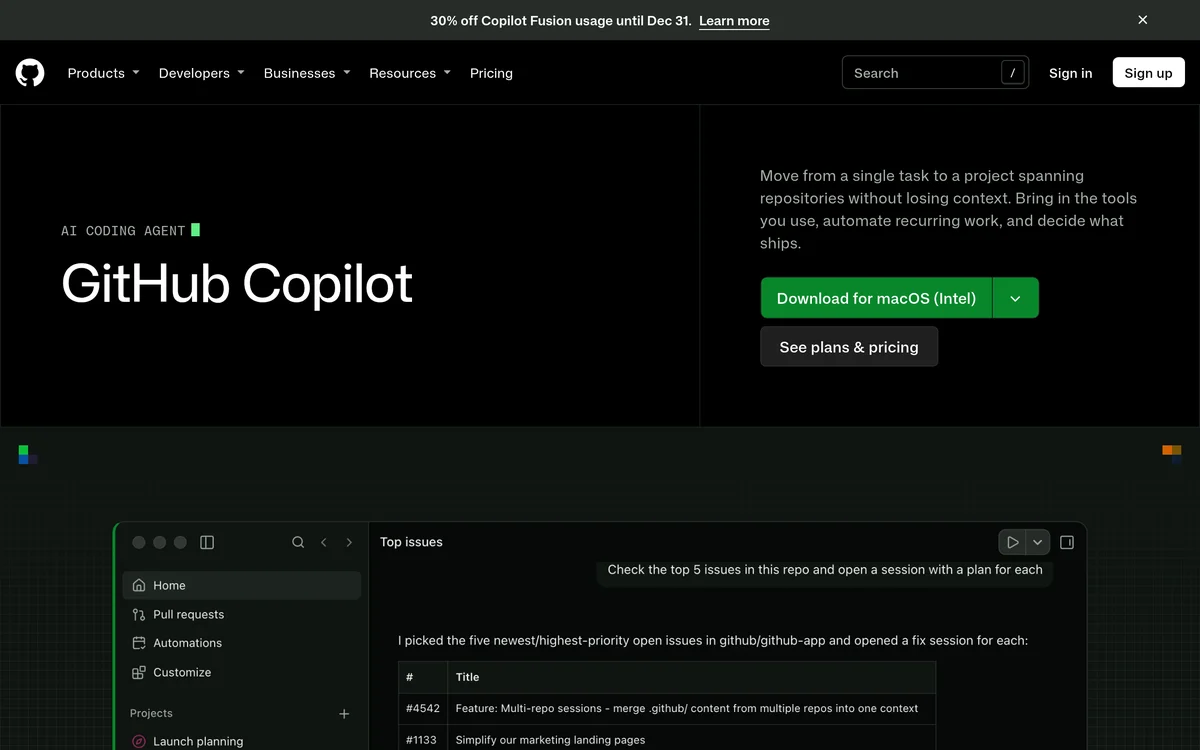
GitHub Copilot is GitHub's AI coding assistant. It started as code completion in your editor and now includes agent mode, code review, a command-line tool and a way to assign work that Copilot turns into a pull request. It works across VS Code, Visual Studio, JetBrains IDEs, Xcode, Neovim, Eclipse and on github.com.
Individuals pick from Free, Pro, Pro+ and Max, with pricing built around monthly GitHub AI Credits. Businesses get Copilot through GitHub's team plans, and GitHub Enterprise now includes Copilot access.
Free has 2,000 completions a month; Pro and above have unlimited code completion and next edit suggestions.
Available in VS Code, Visual Studio, JetBrains, Eclipse and Xcode on every plan.
Assign work to Copilot to research, plan and write code, with or without a pull request.
Pull request reviews on GitHub and file diff reviews in editors on paid plans.
Pro lists access to Claude Code and Codex agents, and the comparison table marks delegating tasks as preview on higher plans.
A Copilot CLI and integration with MCP servers on every plan.
| Plan | Price | Notes |
|---|---|---|
| Free | $0 | 2,000 completions a month, limited chat and agent usage, community support, no credit card required. Verified students can access the Student plan. |
| Pro | $10/month | Cloud agent and code review, unlimited completions, third-party agents, model selection and $15 in monthly credits. |
| Pro+ | $39/month | Premium models, audit logs, 4x+ included usage than Pro and $70 monthly credits. |
| Max | $100/month | Priority access to new models, 2.9x+ included usage than Pro+ and $200 monthly credits. |
Pricing checked on 28 November 2026. Source
Yes. Free includes 2,000 completions a month and limited chat and agent use.
$10 a month.
The page says verified students have access to the Copilot Student plan.
VS Code, Visual Studio, JetBrains IDEs, Xcode, Neovim, Eclipse and more.
Yes. The pricing page says GitHub Enterprise now includes access to Copilot.