Agent web task handling
The extension opens pages, clicks buttons, fills forms, and extracts information for AI agents.
 Skip to content

Install Kimi Browser Extension, formerly Kimi WebBridge, and let the desktop Agent take over browsing tasks:…
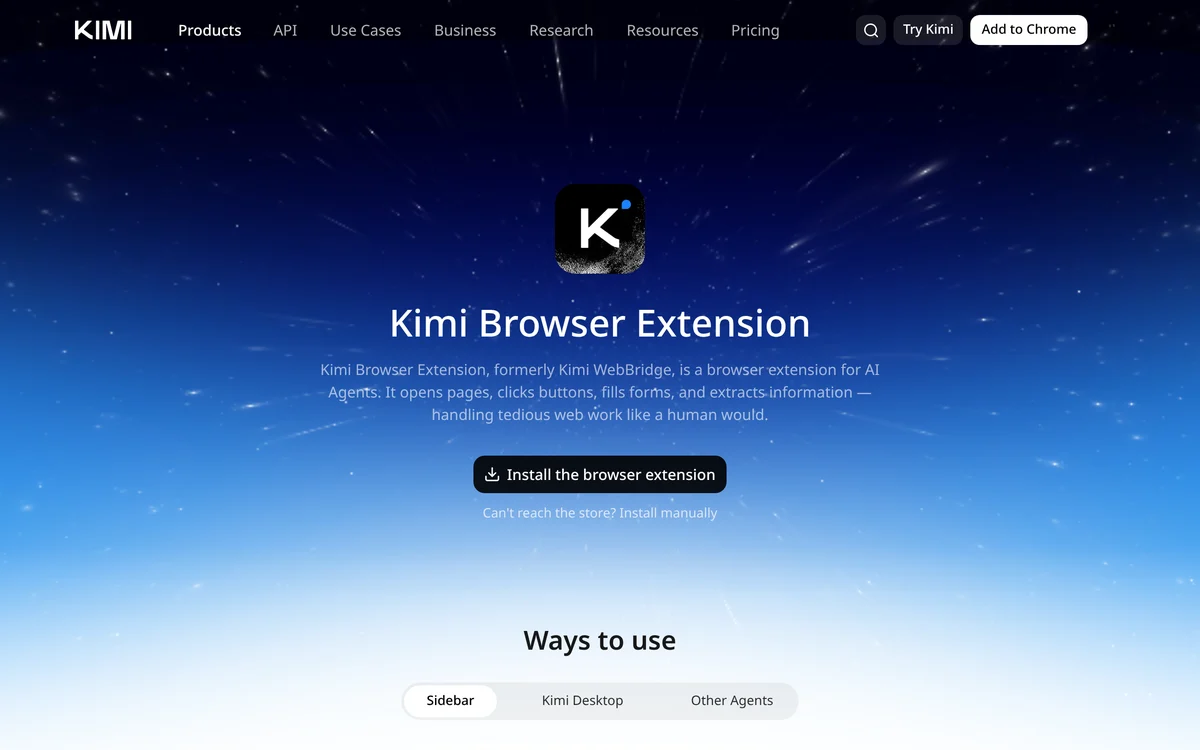
The extension opens pages, clicks buttons, fills forms, and extracts information for AI agents.
Click the extension icon in the browser toolbar and sign in with a Kimi account to open the sidebar.
Ways to use it include the sidebar, Kimi Desktop, and other agents, including calling it through a local agent.
It includes web operation recording as a feature added with the rename from Kimi WebBridge.
It can break web pages down into commands.
A local service uses Chrome DevTools Protocol to navigate, click, screenshot, and read pages in your existing Chrome or Edge browser, then sends results back.
Everything runs locally, so login sessions and page content never leave your device.
A listed common use case is building Google Sheets.
A listed common use case is cross-site search.
A listed common use case is converting a workflow to a skill.
| Plan | Price | Notes |
|---|---|---|
| Free | Free | |
| Plus | $19/month | On annual billing: $15/month (billed annually $180). Includes: More agent credits; Kimi Code available; Agent multi-tasking; Scheduled tasks that run automatically. |
| Pro | $39/month | On annual billing: $31/month (billed annually $372). Includes: 2x agent credits; Access to K3.1 Pro Highspeed; Goal mode, agents work until completion. |
| Max | $99/month | On annual billing: $79/month (billed annually $948). Includes: 5x agent credits; Access to K3.1 Pro Highspeed; Up to 1M tokens of context; Goal mode, agents work until completion. |
| Ultra | $199/month | On annual billing: $159/month (billed annually $1,908). Includes: 10x agent credits; Access to K3.1 Pro Highspeed; Up to 1M tokens of context; Goal mode, agents work until completion. |
Pricing checked on 28 November 2026. Source