Prompt-based Generative Fill
Select an area with the Selection Brush or another selection tool, then enter a description to add or remove content using the latest Adobe Firefly Image Model.
 Skip to content

Photoshop's Generative Fill, which adds or removes content in photos from a text prompt.
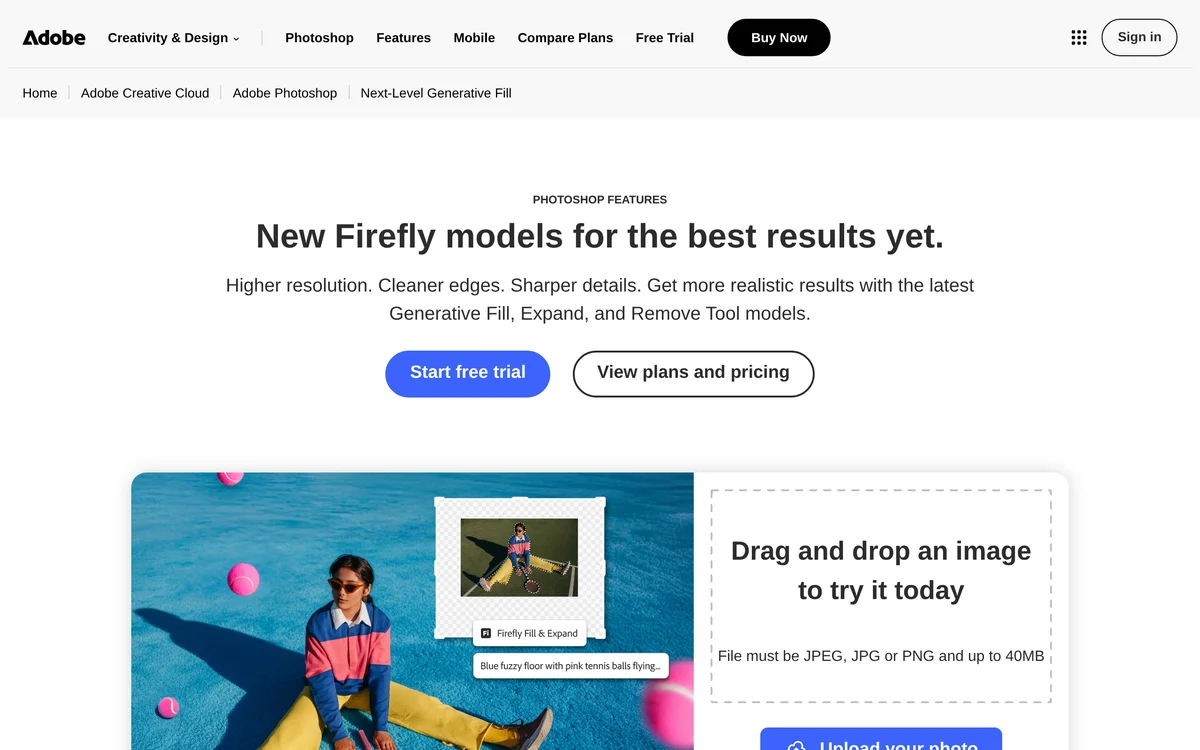
Select an area with the Selection Brush or another selection tool, then enter a description to add or remove content using the latest Adobe Firefly Image Model.
Leave the prompt blank and Photoshop fills the selection based on the surrounding image.
Drag beyond an image border with the Crop tool, then fill the extended canvas with new content that blends with the existing image.
Select a favorite generated result and use Generate Similar to create new variations of that image.
In the Photoshop app, upload a reference image by itself or with a prompt to guide the generated content.
Clicking Generate shows thumbnail previews and adds a Generative Layer in the Layers panel for editing without changing the original image.
Click Generate again for more options, or edit the prompt to fine-tune the results.
Generative Fill can create dozens of concepts, and Generate Similar can make variations of favorite generated images.
Generative Fill and Generative Expand can be tried in Photoshop on mobile and in the browser with Photoshop on the web.
After Generative Fill or Generative Expand edits, the image can be perfected with Photoshop’s more precise editing tools.
The latest Generative Fill, Expand, and Remove Tool models are described as giving higher resolution, cleaner edges, and sharper details.
| Plan | Price | Notes |
|---|---|---|
| Creative Cloud Pro | US$69.99/month | Includes: Annual, billed monthly; 20+ apps including Photoshop, Illustrator, Adobe Premiere, and Acrobat Pro; Adobe Firefly creative AI for images, video, and audio; Save 57% for the first year. |
| Photography | US$19.99/month | Includes: Photoshop and Lightroom across devices; Lightroom Classic; 1TB of cloud storage; Annual, billed monthly. |
| Photoshop | US$22.99/month | Includes: Desktop, web, and mobile; Annual, billed monthly. |
| Creative Cloud Standard | US$54.99/month | Includes: Photoshop, Illustrator, Acrobat Pro, and more; Annual, billed monthly. |
Pricing checked on 28 November 2026. Source