Notes without a bot
Superscribe writes the notes, tasks and Pipedrive entry on your own number, with no bot on the line, while you are already on the next call.
 Skip to content

Hang up and the notes are done. It writes the notes, tasks and Pipedrive entry on your own number, so clients keep calling the number they know.
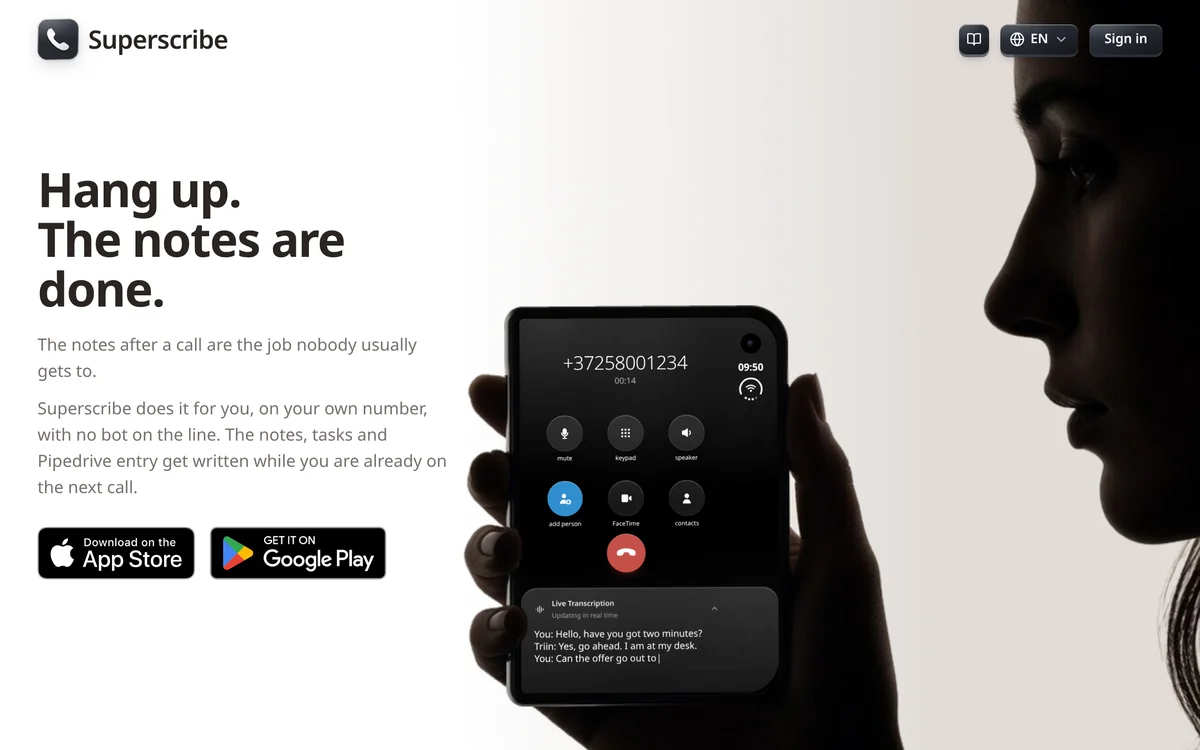
Superscribe writes the notes, tasks and Pipedrive entry on your own number, with no bot on the line, while you are already on the next call.
It works behind the number clients already have, with no new number to give out and no change of carrier.
Calls ring on your iPhone and, if you like, on your Mac or PC, and calls you make show your number.
Calls run through Superscribe’s cloud, where they are transcribed and kept in your account.
Meetings are recorded on the phone and uploaded to your account when the recording ends.
Superscribe can announce the recording for you when you turn that option on in Settings.
You can tap Start meeting for people in the room and add people by phone, and no bot joins.
You can search what was said, open a call’s summary, follow-ups and transcript, play audio from any line, and put the call in a project.
You pick a note style and language and send automatically or after approval; notes, tasks and meetings go to the person found by phone number.
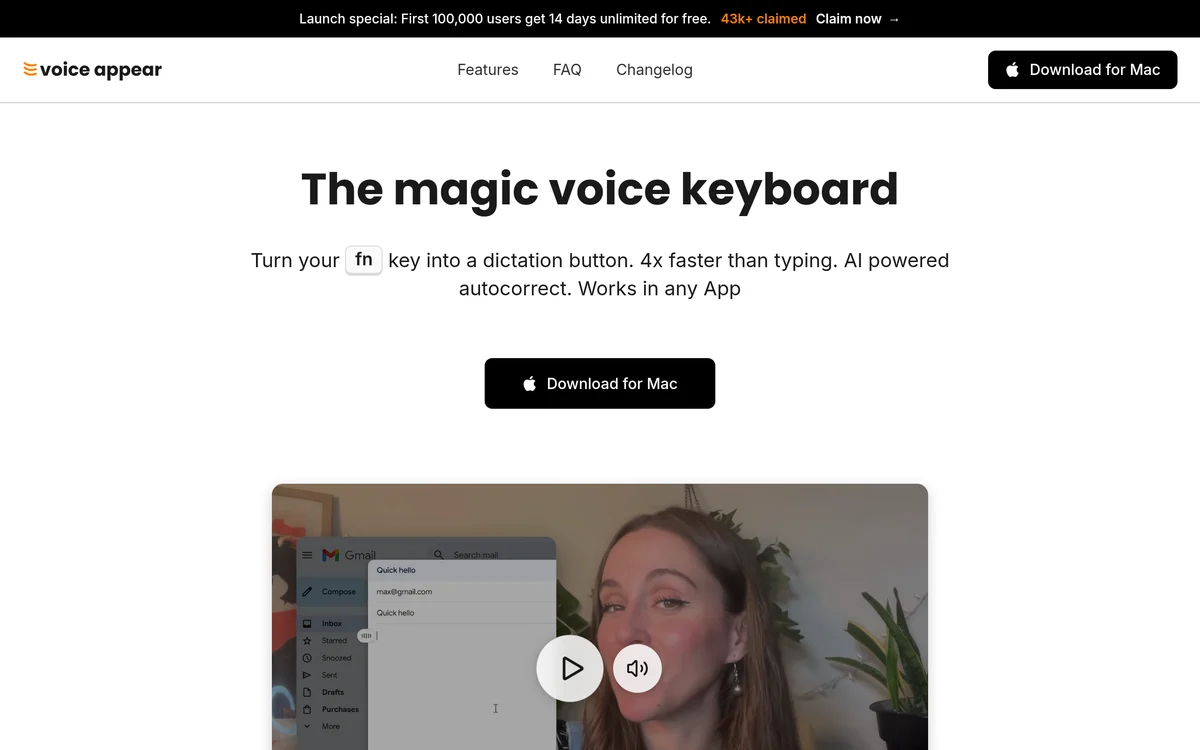
The keyboard works in every iPhone app: tap Speak and talk in English or a smaller language, and the words appear while you are still speaking.
On Mac or PC it can record any video call with no bot, keep speakers apart, and use a name in the transcript once someone says it.
Calls, contacts and meetings appear on the CarPlay screen, each call with its gist, and you can call back with one tap.
| Plan | Price | Notes |
|---|---|---|
| Superscribe | €49/month | Includes: Start with 300 minutes of calls and meetings a month; Up to 2 people; Calls you make use 2 minutes each; Past your minutes: nothing more to pay. |
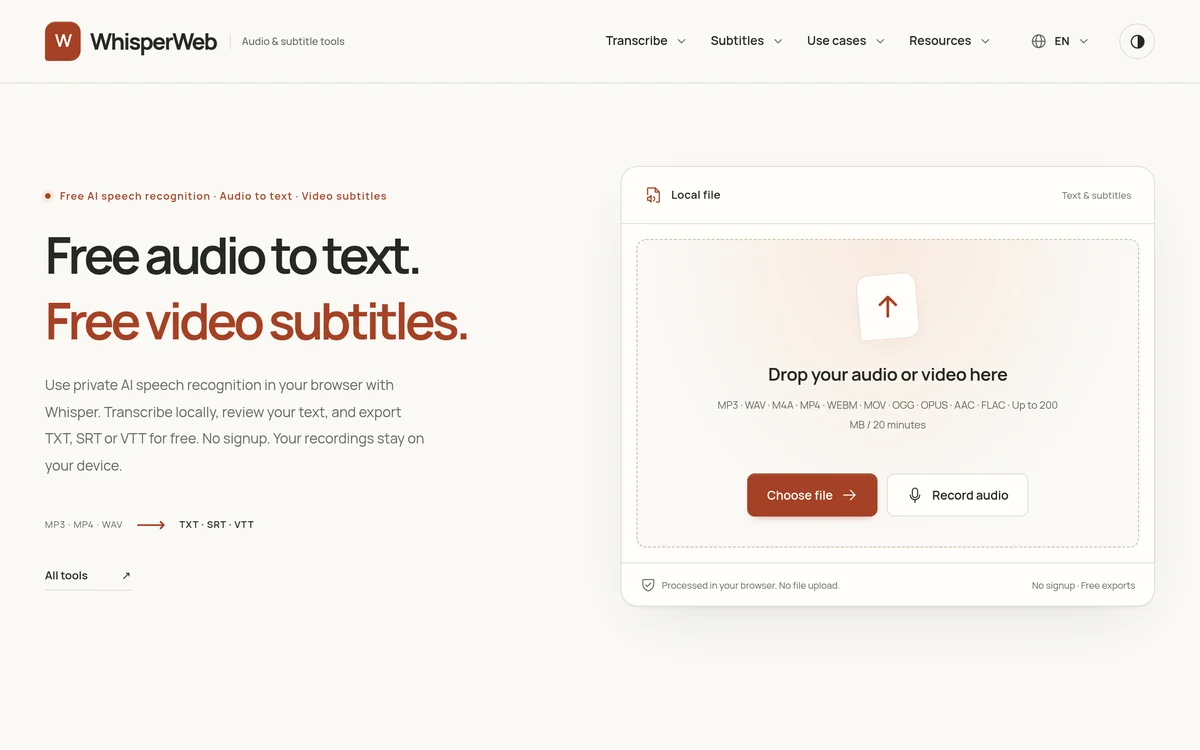
| Superscribe Lite | Free | Includes: Dictates on your device only; No account required; Works offline on your own Mac or PC; macOS and Windows. |
Pricing checked on 28 November 2026. Source