Upload or paste links
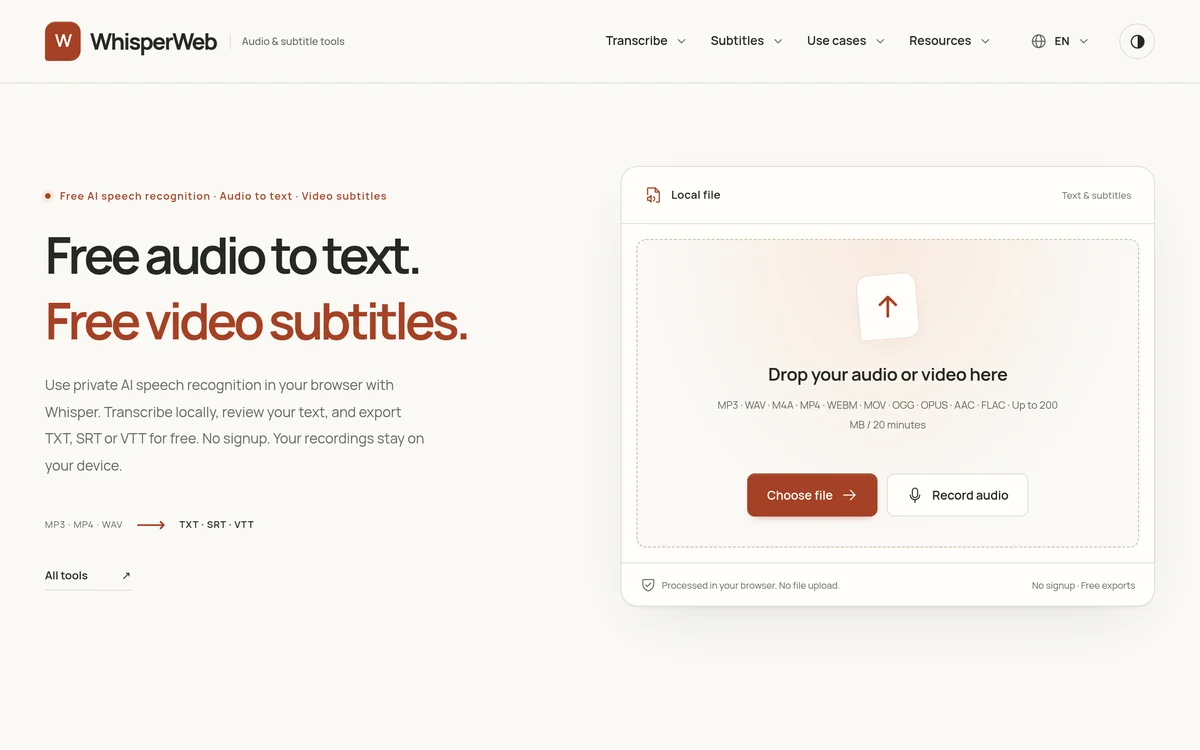
Upload a video or audio file, or paste a public YouTube, TikTok, Instagram, video, or audio link, with no sign-up required.
 Skip to content
Easily turn video into accurate transcripts, subtitles, summaries, and searchable notes with Video Transcription AI.
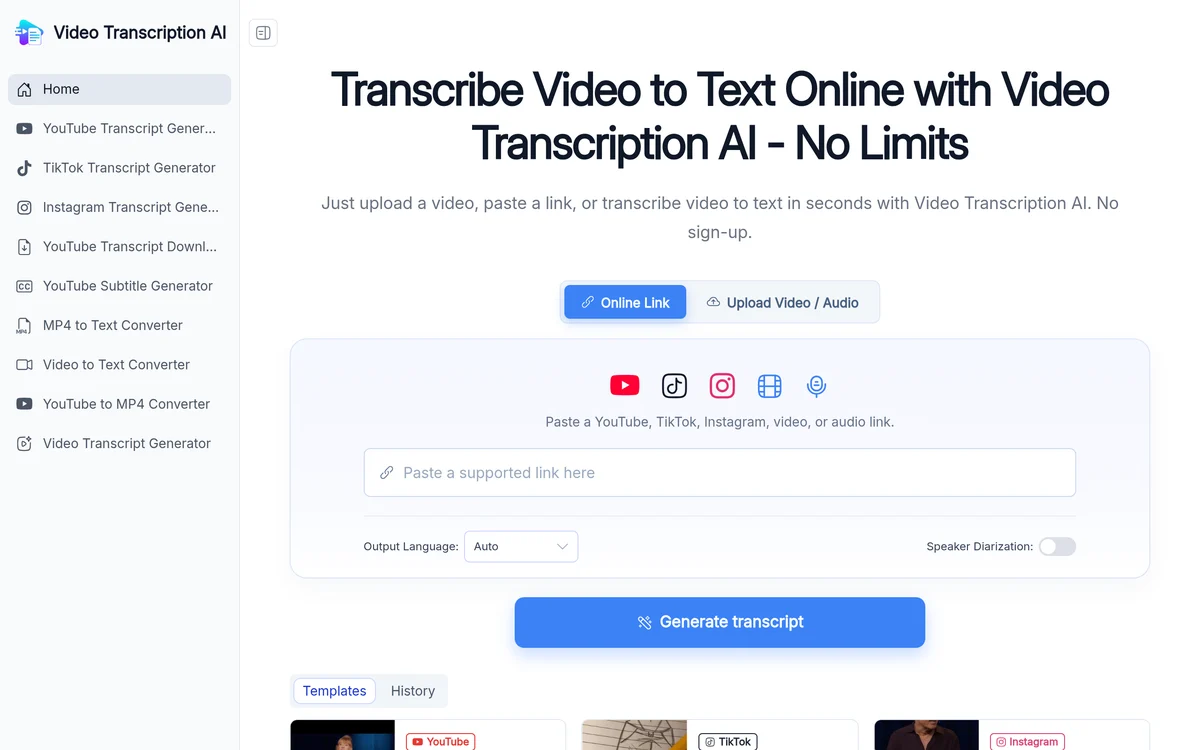
Upload a video or audio file, or paste a public YouTube, TikTok, Instagram, video, or audio link, with no sign-up required.
The tool converts speech in a video into an editable, clearly structured verbatim transcript automatically.
It identifies multiple speakers with labels and timestamps, and you can click a speaker's text to jump to that moment in the video.
You can review and edit the transcript for accuracy, then copy the text or download the file in a preferred format.
With one click it can condense a transcript into a brief summary, key takeaways, chapter breakdowns, or an outline.
It translates transcripts into another language with one click so you can follow foreign-language content or localize your own videos.
Transcripts can be exported as TXT, DOCX, PDF, SRT, VTT, or Markdown.
You can use the generated transcript to create subtitles or captions from a video.
It turns videos into searchable text for uses such as meeting minutes, lecture records, interview transcripts, podcast scripts, and blog drafts.
Creators and marketers can turn videos, podcasts, webinars, and interviews into blog posts, newsletters, social posts, SEO content, and email campaigns.