Multi-agent workflows
Runs many agents in parallel and uses computer and browser tools to verify work against your requirements.
 Skip to content

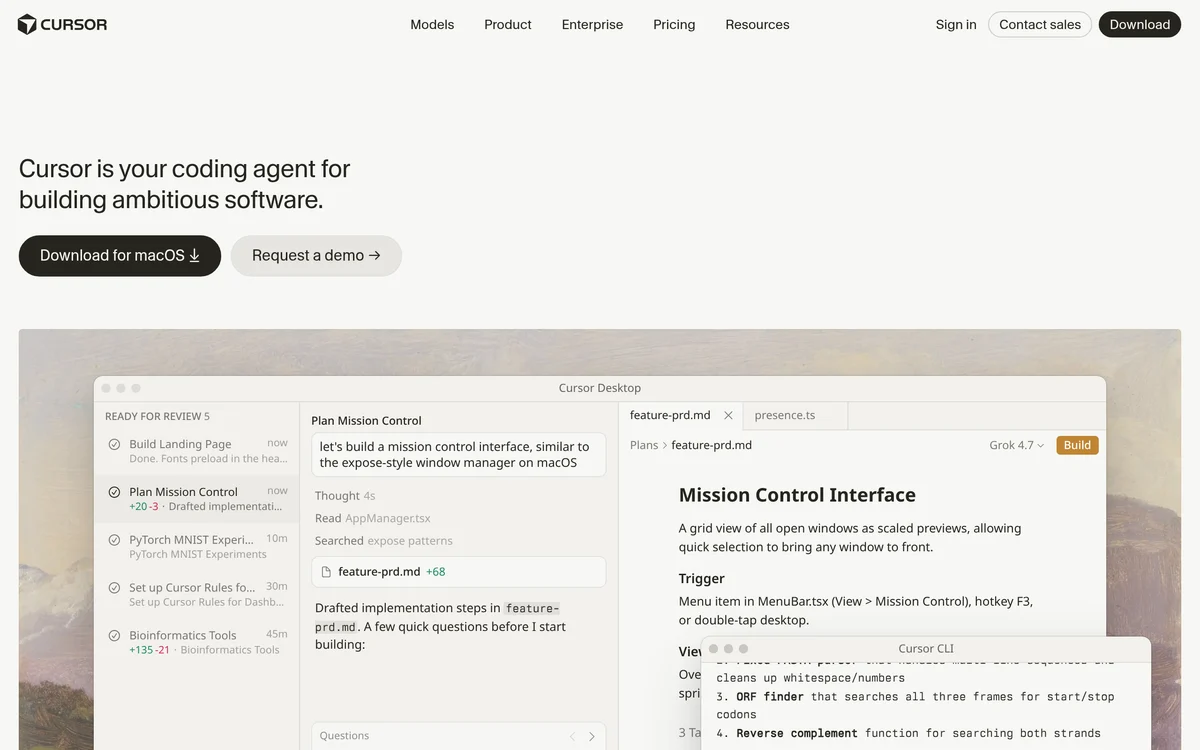
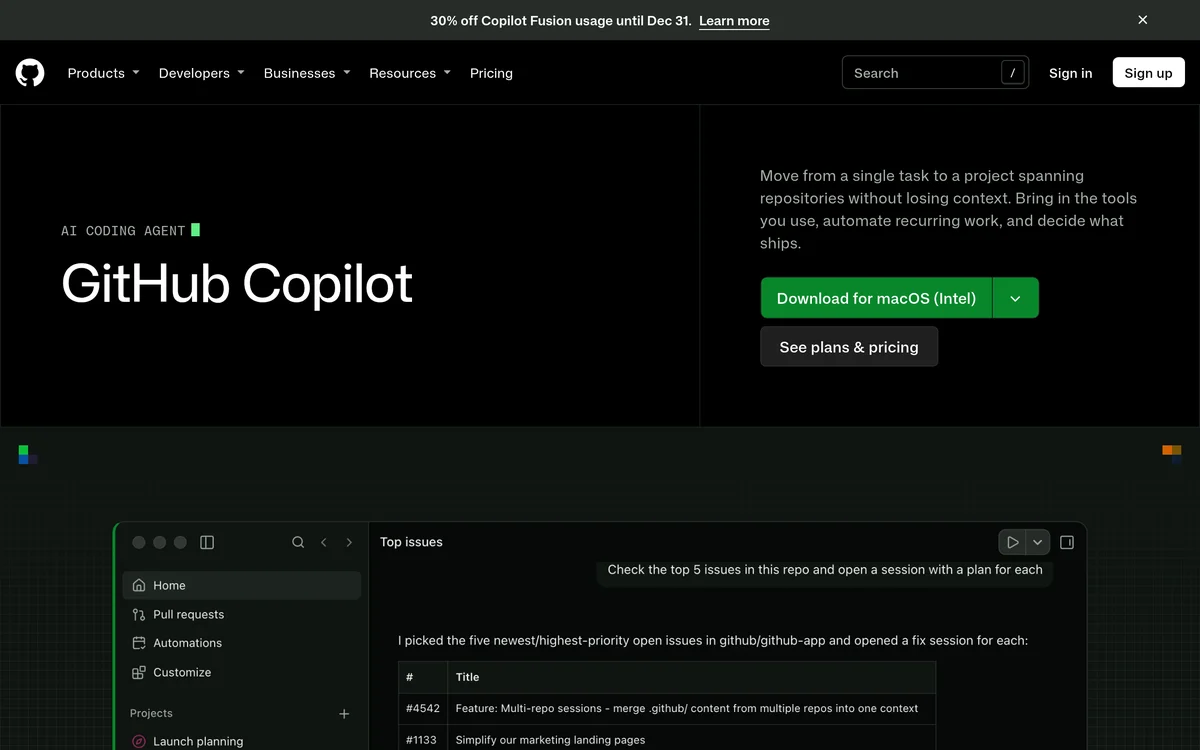
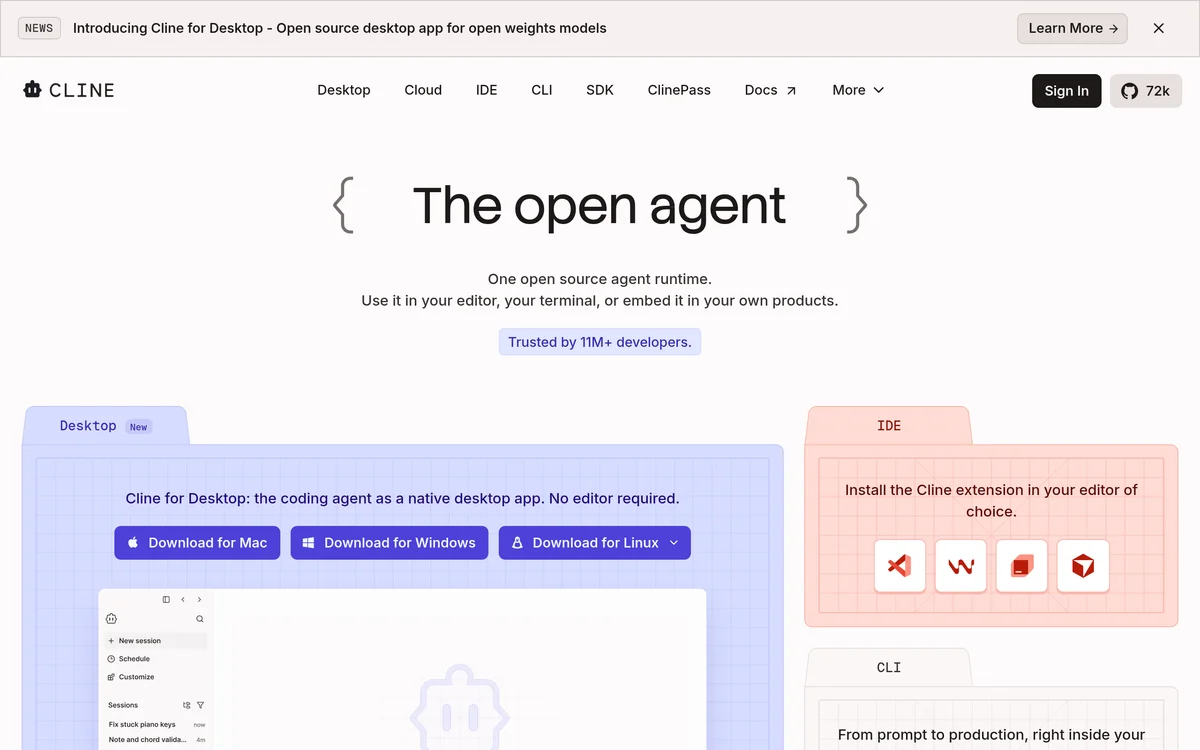
The best way to build with agents. It runs many agents in parallel and keeps working in cloud environments after you close your laptop.
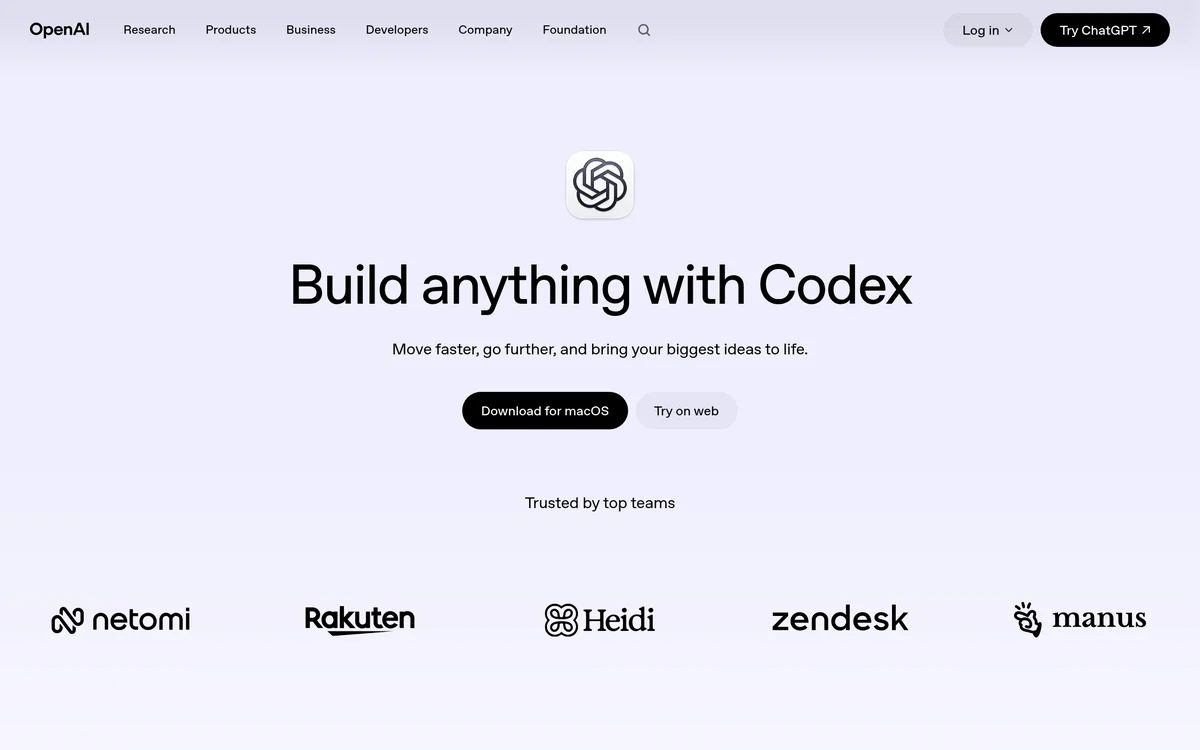
Codex is OpenAI's coding agent. You hand it engineering tasks, from hard-to-find bugs to refactors and new features, and it works on them, often in parallel across several agents. It runs in the ChatGPT app, in the cloud, as an IDE extension and as a command-line tool, all tied to one ChatGPT account.
There's no separate Codex subscription on the page checked. It's included in ChatGPT plans, and the plan you pick sets how much you can use it.
Runs many agents in parallel and uses computer and browser tools to verify work against your requirements.
Keeps going when you close your laptop, with reusable cloud environments for every repo.
Reviews pull requests, surfaces findings and answers questions.
Connect tools and add specialized capabilities so Codex can act across your apps.
Install with npm i -g @openai/codex.
Use it in ChatGPT, your editor and the terminal.
| Plan | Price | Notes |
|---|---|---|
| ChatGPT Plus | $20/month | Includes Codex usage for focused coding sessions each week. |
| ChatGPT Pro | $100/month | Higher usage limits for full workdays across multiple projects. |
| ChatGPT Business | $20/user/month | For 2+ seats, billed annually. Secure shared workspace with admin controls and flexible pricing for teams using Codex across repositories. |
Pricing checked on 28 November 2026. Source
The page lists it as included in ChatGPT plans, starting with Plus at $20 a month.
In ChatGPT, on the web in the cloud, in your IDE and in the terminal CLI.
Run npm i -g @openai/codex.
Yes, the page says Codex automatically reviews pull requests.
Yes, through ChatGPT Business at $20 per user a month for 2+ seats billed annually.