Chat-based Director Mode
Director mode lets you lay out a storyboard, shape each shot through natural chat, and refine the final video sequence with loose direction or granular edits.
 Skip to content

OpenArt Suite is your all-in-one AI creator studio. Its Director Mode lays out a storyboard, and its video tool makes clips up to 4K.
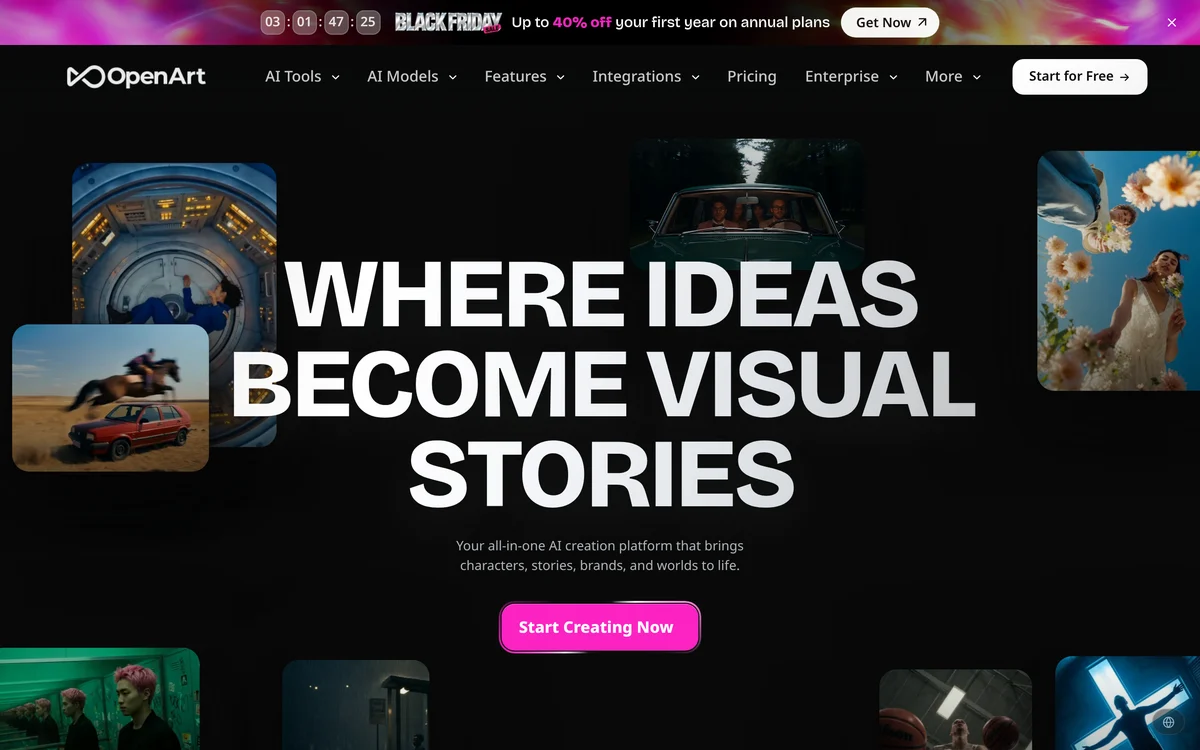
Director mode lets you lay out a storyboard, shape each shot through natural chat, and refine the final video sequence with loose direction or granular edits.
The AI video generator creates videos up to 15 seconds and up to 4K from a prompt or reference image, with style and genre choices and further edits.
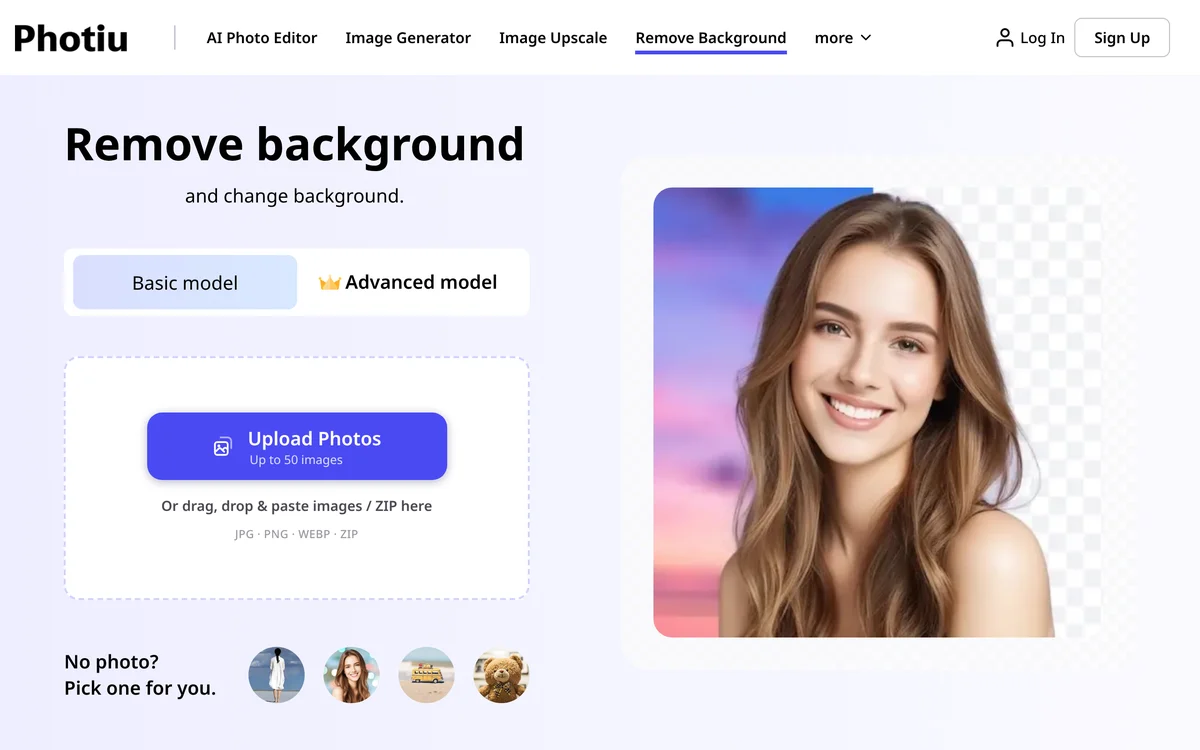
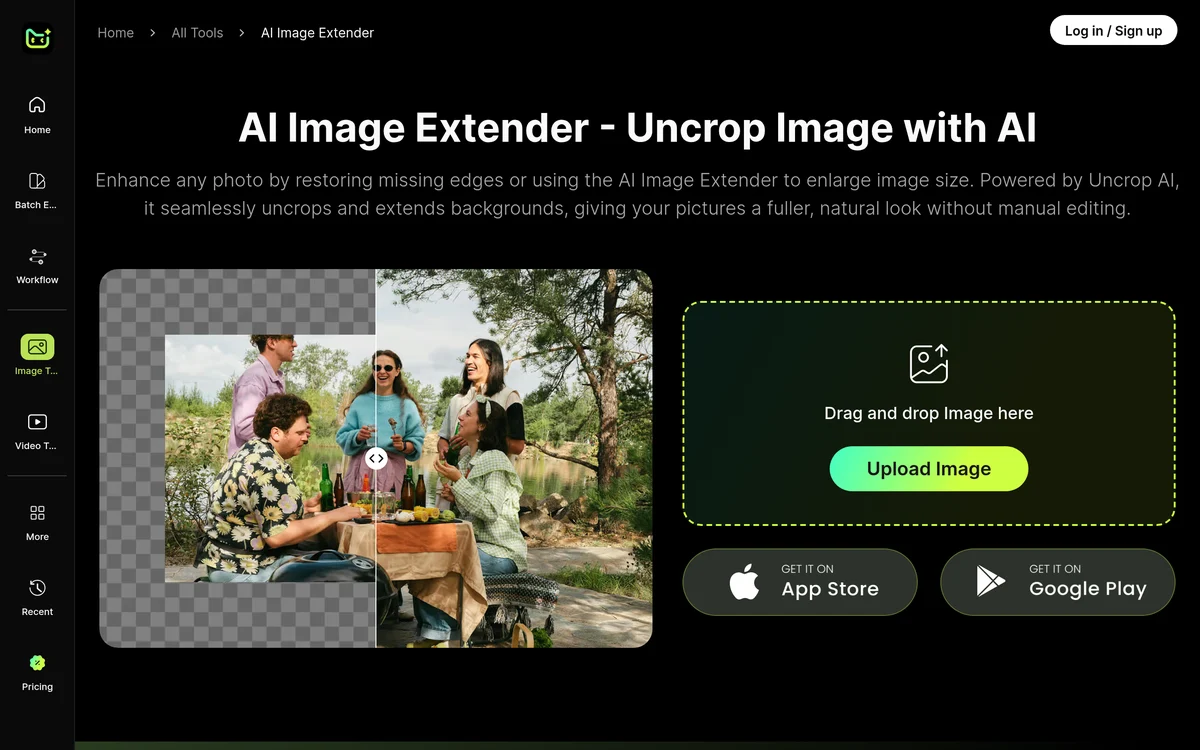
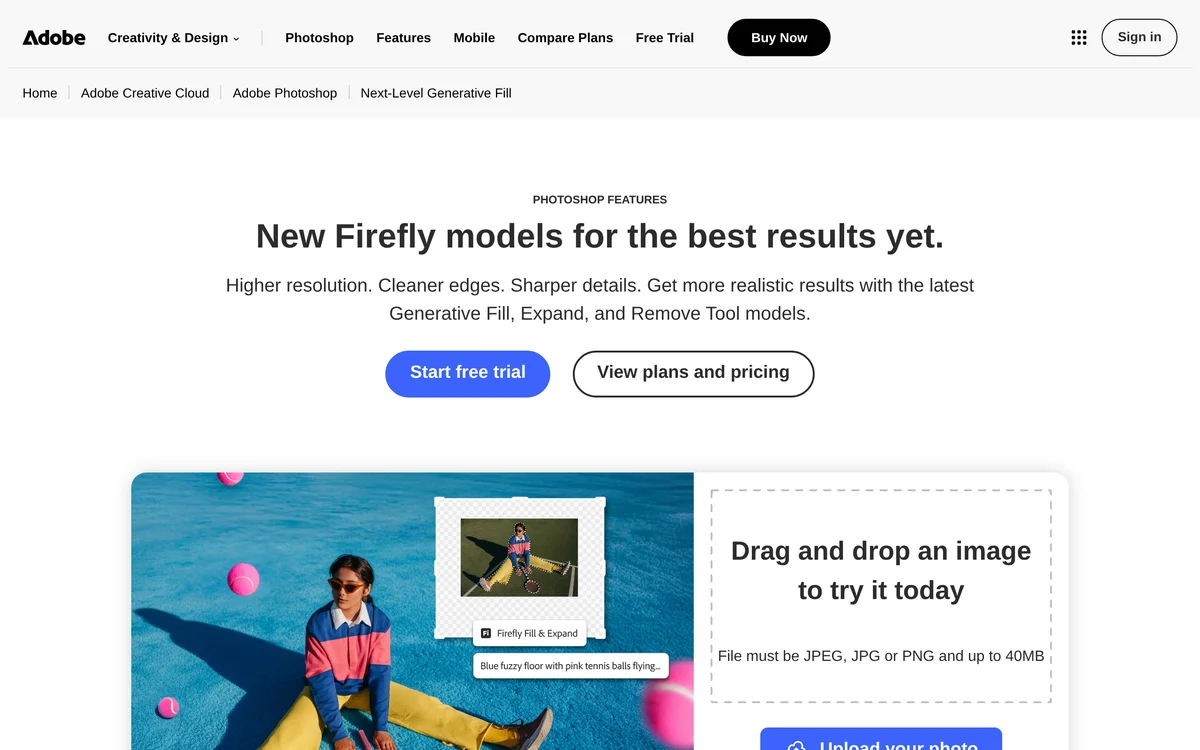
Generate images with GPT Image 2, Nano Banana Pro, or Seedream 5.0, then erase, expand, swap backgrounds, restyle, or upscale to 4K on the same canvas.
Build a character from reference images or a text brief, save it to your library, and tag it so later image and video generations keep the same look.
OpenArt Worlds generates a large, persistent, fully navigable 3D environment from one prompt or reference images, where you can place characters, objects, and props.
Add lip-synced AI voice-overs, original music in any genre, and layered sounds, using a cloned voice or a preset, and export each track as WAV or MP3 timed to the video.
Smart Shot turns one prompt into 3-5 cinematic cuts with varied angles, professional camera moves, and visual consistency.
Upload a 3-30 second reference clip and retarget a dance, sport, or walk onto your character.
Reframe any image from another angle with rotation sliders and wide-angle or close-up lenses.
Swap the scene behind a subject while preserving lighting, edges, and motion continuity.
Change a shot’s mood with cinematic lighting while keeping characters and motion intact.
Paint a mask over what should stay, then transform everything around it from a single prompt.
| Plan | Price | Notes |
|---|---|---|
| Starter | $14/month | Includes: 4,000 credits / month; Up to ~4,000 images; Up to ~50 videos (excluding Director); 8 parallel generations. |
| Plus | $34/month | Includes: 12,000 credits / month; Up to ~12,000 images; Up to ~150 videos (excluding Director); 16 parallel generations. |
| Pro | $56/month | Includes: 24,000 credits / month; Up to ~24,000 images; Up to ~300 videos (excluding Director); 32 parallel generations. |
| Wonder | $240/month | Includes: 106,000 credits / month; Up to ~106,000 images; Up to ~1,300 videos (excluding Director); Priority support. |
Pricing checked on 28 November 2026. Source